
Picky
Sort, filter, queue your music.
For people particular about their music — giving you full control over how you browse and listen to your albums and songs.
Sort, filter, queue your music.
For people particular about their music — giving you full control over how you browse and listen to your albums and songs.
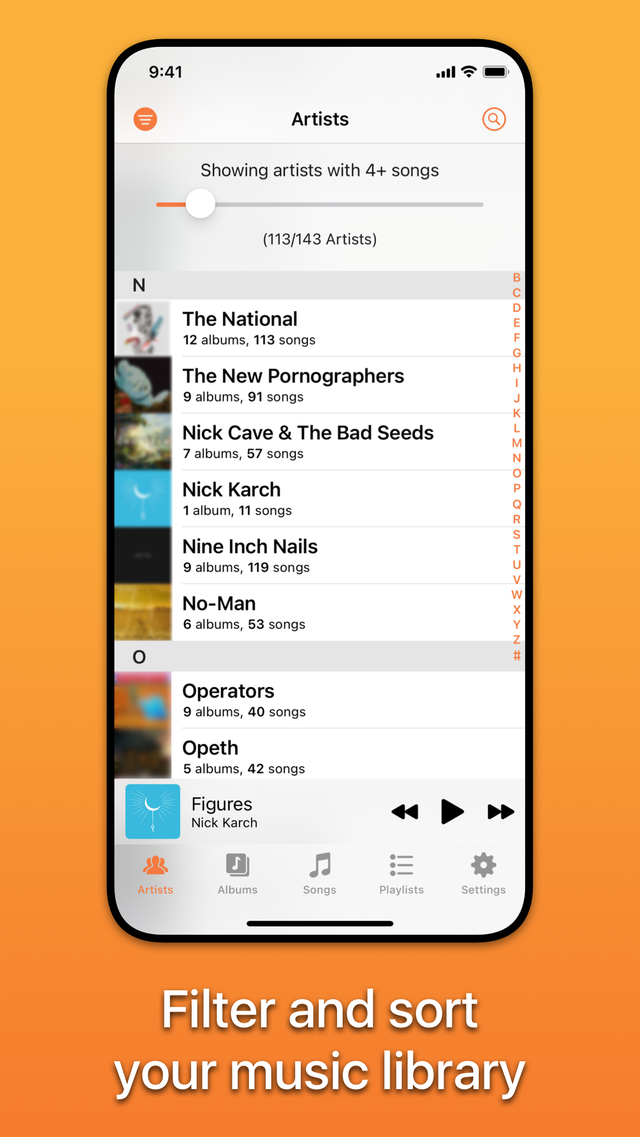
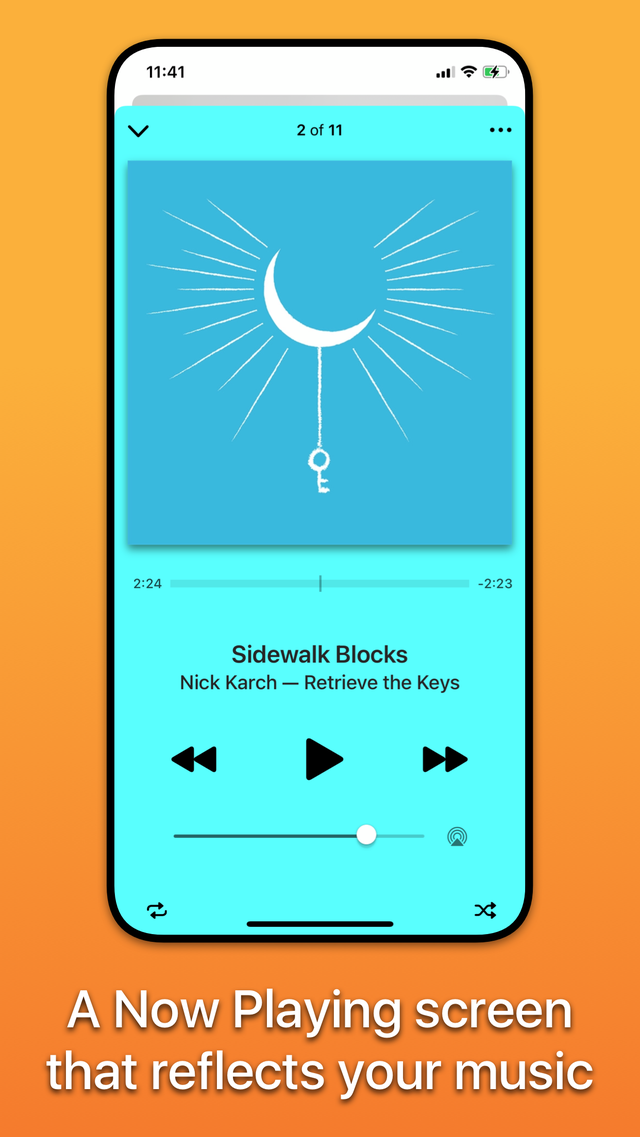
Every list, filter, and gesture is designed to put you in control of your library.
Picky keeps your Artists and Albums lists tidy by hiding those with only a few songs — simply adjust the filters to taste.
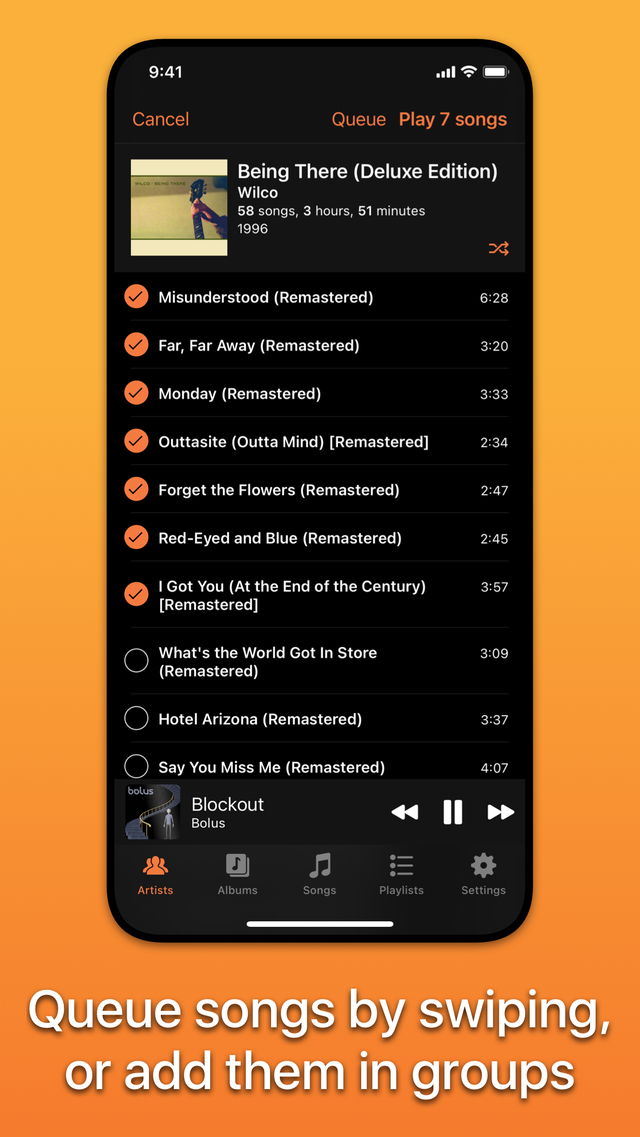
Queue up tracks to play later: swipe left on a song until the “+” turns solid orange, then let go to add it to the queue.
Quickly play or queue groups of songs — like playing an album without its bonus tracks.
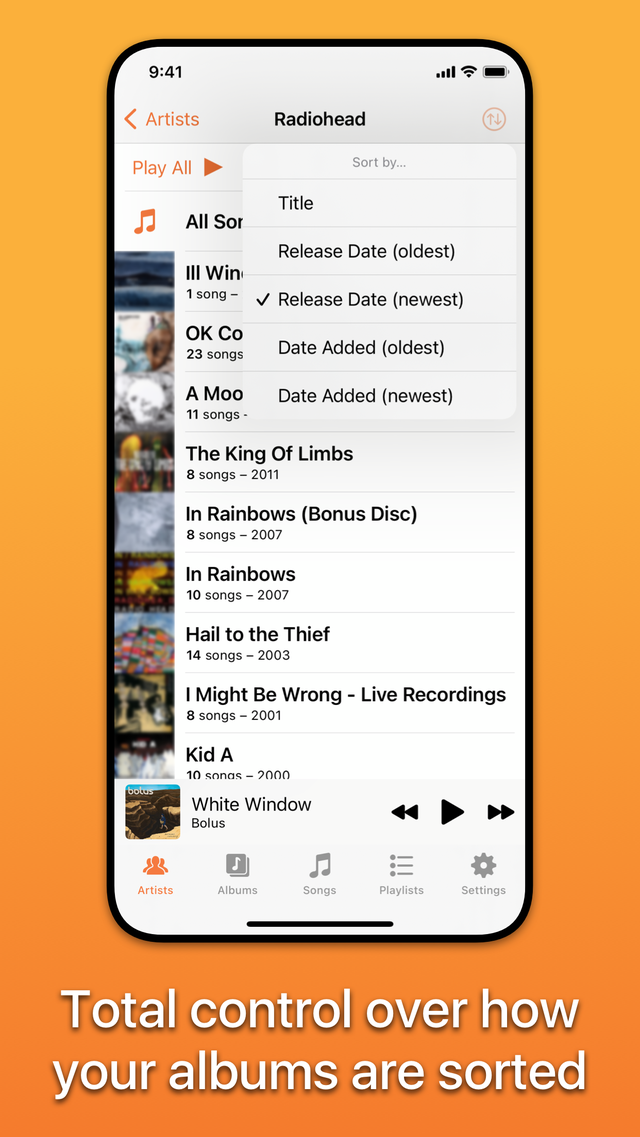
Sort the Albums list and each artist’s albums with a couple of taps — by title, release date, duration, or date added.
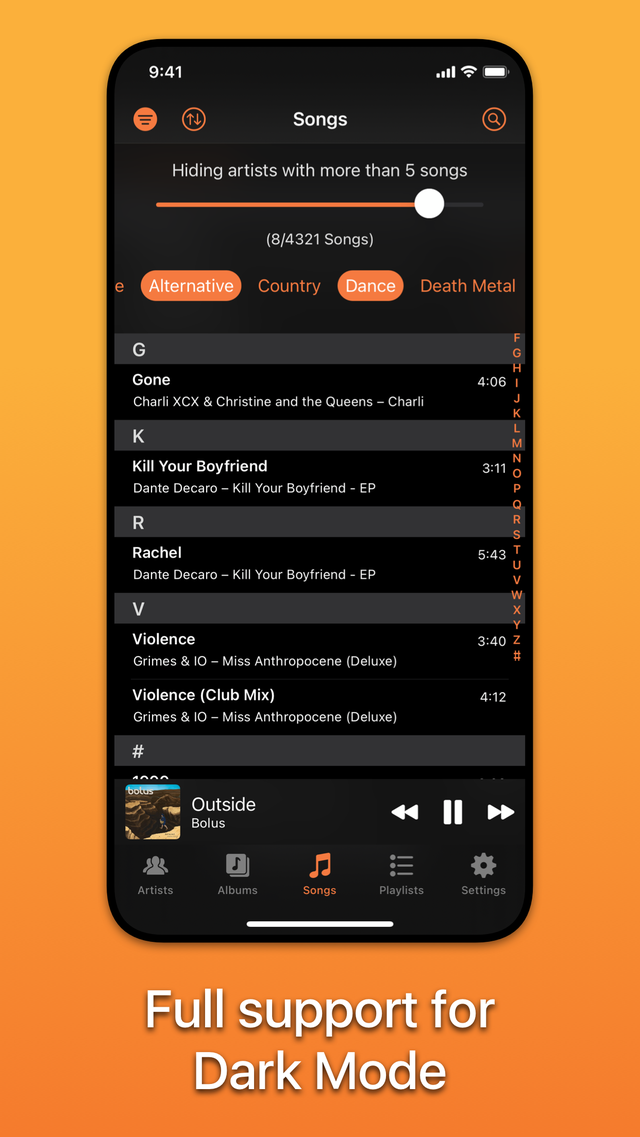
Filter Songs and Albums by one genre or many. Open the filter, tap a few genres, close it, and hit Shuffle for an instant mix.
Picky combines grouping by artist and by album artist, so songs are always where you expect — or pick just one grouping in Settings.
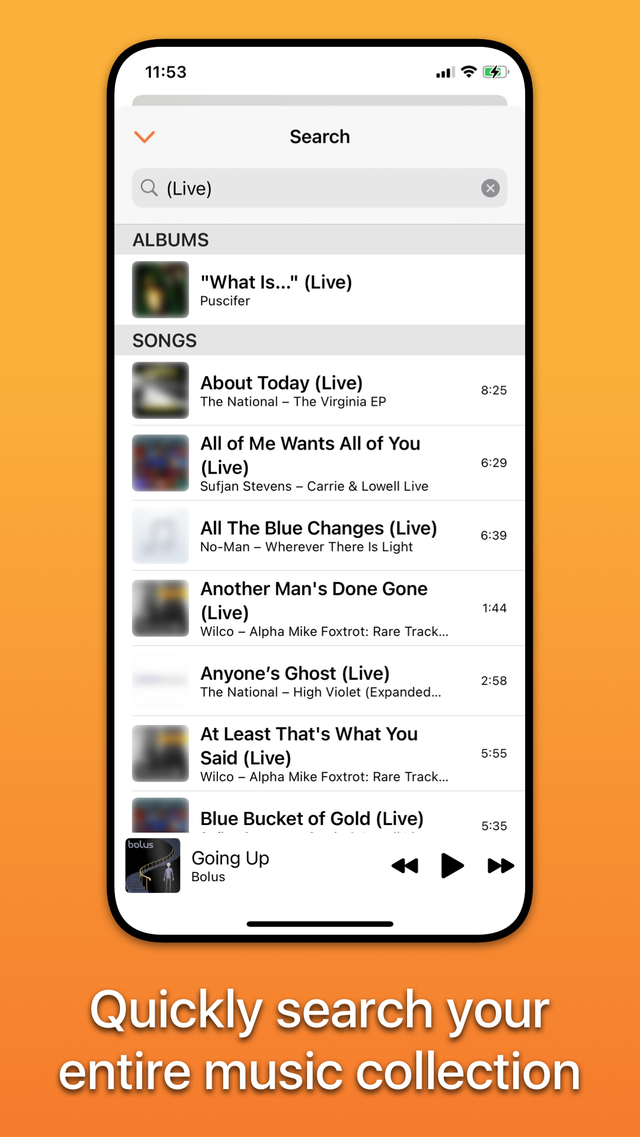
Search across your entire library in a few taps — and even find albums by year — then play, shuffle, or queue the results.
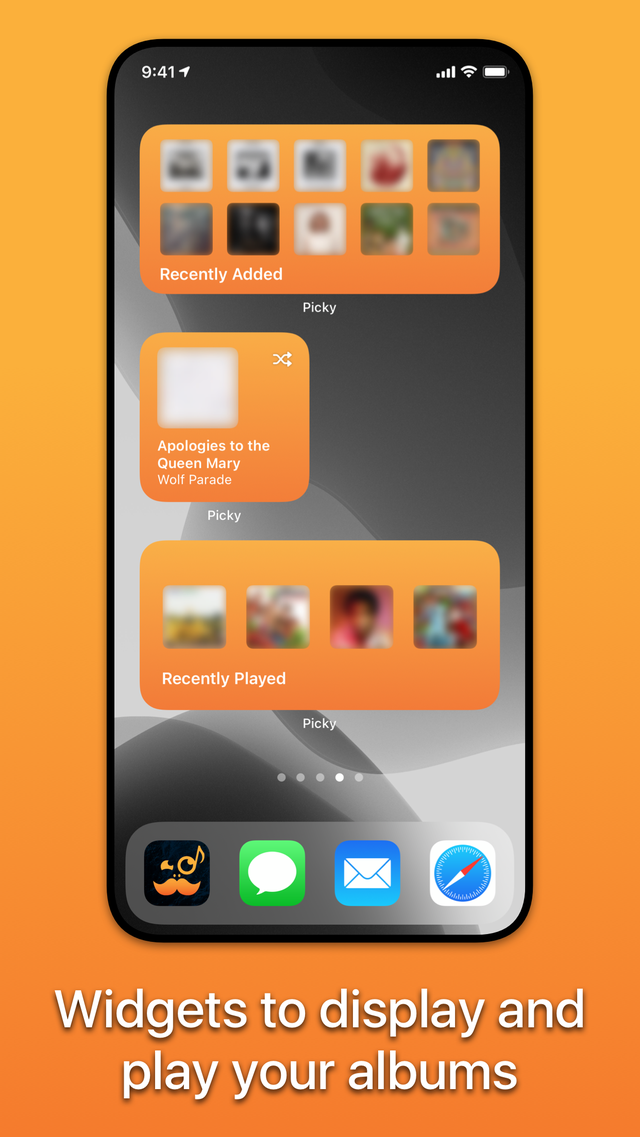
Designed for iOS 15 with widgets, Dark Mode, Split View, AirPlay 2, trackpad and Context Menu support, VoiceOver, and headphone remotes.
Works with iTunes Match and Apple Music added to your collection. Use Picky on its own or switch seamlessly with the Music app.
“…a powerful music utility that is perfect for getting reacquainted with your favorite tunes.”
John Voorhees — MacStories.net“…undeniably one of the most powerful and accessible general-purpose players available today.”
Marc Barrowclift — barrowclift.meFeatured in Macworld, MacStories, and Mac & i magazine.
Take full control of how you browse and listen. Available now on iPhone and iPad.